



Product Overview:
The Handheld Tunable Multimode Optical Attenuator is an accurate, durable, portable meter designed specifically for the installation, operation, and maintenance of fiber optic networks. It has a compact form factor, backlight display function with selectable switches, ultra-wide optical attenuation range, precise attenuation accuracy, user-self-calibration function and universal interface design, while the attenuation value is displayed through the LCD screen.
Product characteristics:
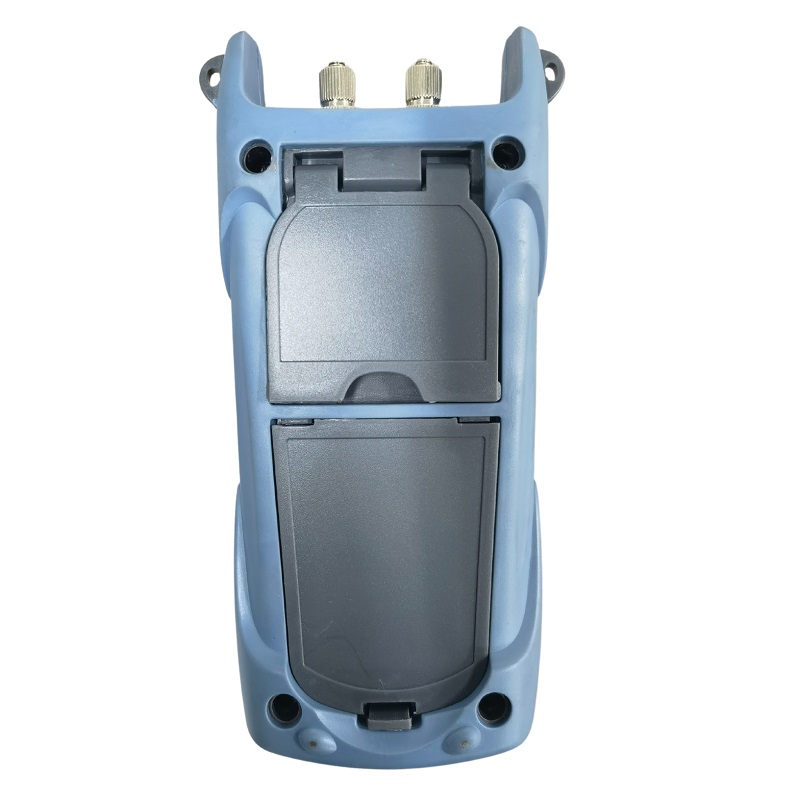
Adopts rechargeable lithium battery for up to 48 hours of continuous working time
The attenuation value is adjustable
The LCD screen displays the corresponding attenuation value
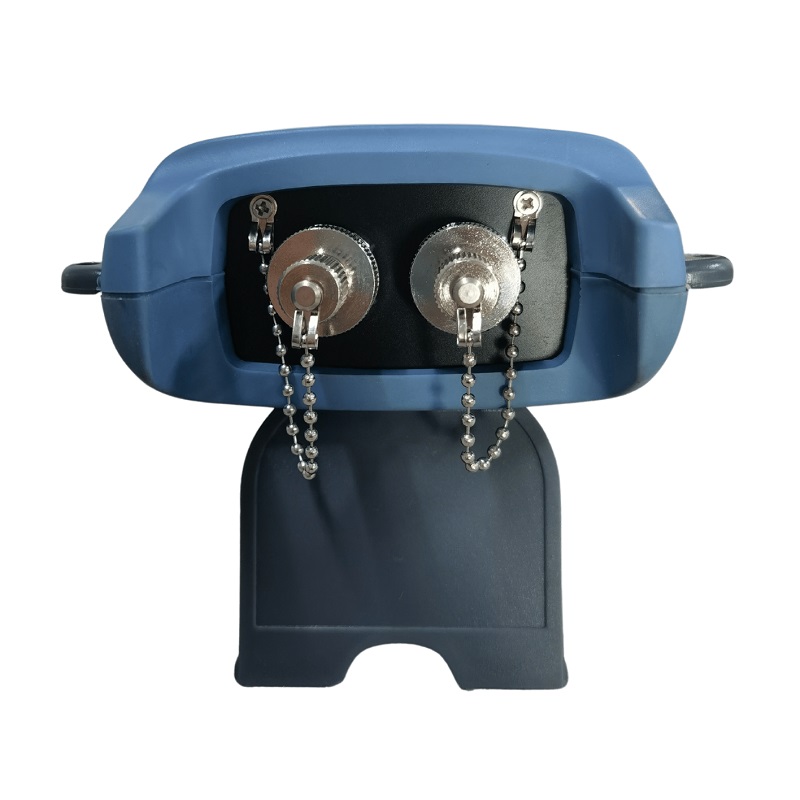
The unique FC/SC/ST universal interface (as shown in Fig. 1 and 2) eliminates the need for complex conversions
Optional automatic shutdown function
Optional on/off backlit display
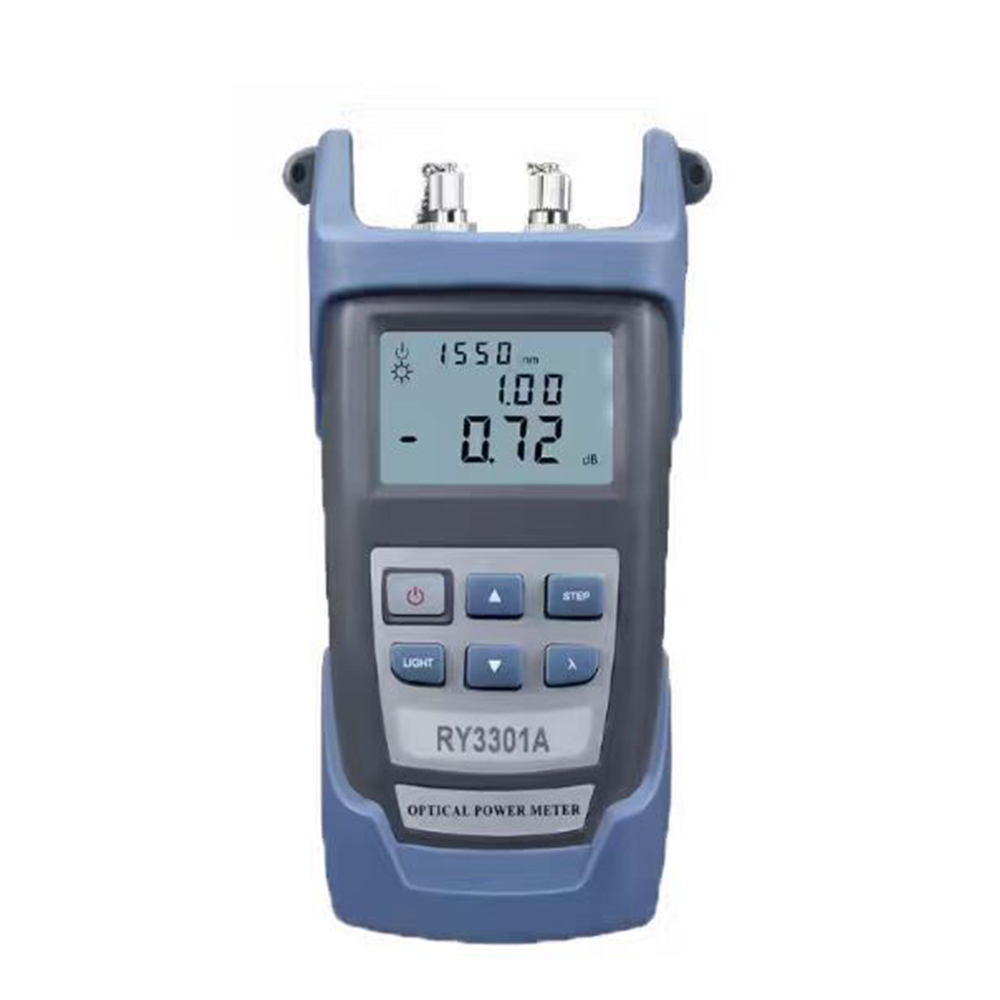
Product annotation diagram
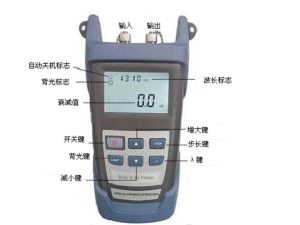
Figures 1,2
Function description:
- LCD display
LCD displays light attenuation values, displayed in dB; The set wavelengths are 1310 nm and 1550 nm.
- ON/OFF key
Press this button to turn on the power when it is off.
Short press (less than 3 seconds) on the button while the power is on to turn on or off the auto-shutdown function. If the “automatic shutdown flag” is displayed, turn on the automatic shutdown function, and it will automatically shut down after ten minutes; If it is not displayed, the auto-shutdown function is turned off.
Long press (greater than or equal to 3 seconds) to turn off the optical attenuator while on power-on.
- UP key
Each time this key is pressed, the attenuation value increases by one step.
- LIGHT key
Press this key to choose to turn the backlight of the LCD on and off. In working mode, press LIGHT to turn on/off the backlight. When the backlight is turned on, a small sun sign will appear in the upper left corner of the screen, indicating that the backlight is on.
- λ key
λ wavelength selection button, press the button, you can choose different wavelengths, there are six wavelengths of 1310 nm and 1550 nm to choose from, and the value will also be displayed on the LCD.
- DOWN key
Each time this key is pressed, the attenuation decreases and increases by a step.
- STEP key
Press this key to cycle between 0.1DB, 1DB, and 10DB to reduce the attenuation step.
- Serial port debugging function
By connecting the serial port terminal with the PC serial port terminal, the attenuation value of the instrument can be set through the PC (as shown in the figure on the right).

- Rechargeable function
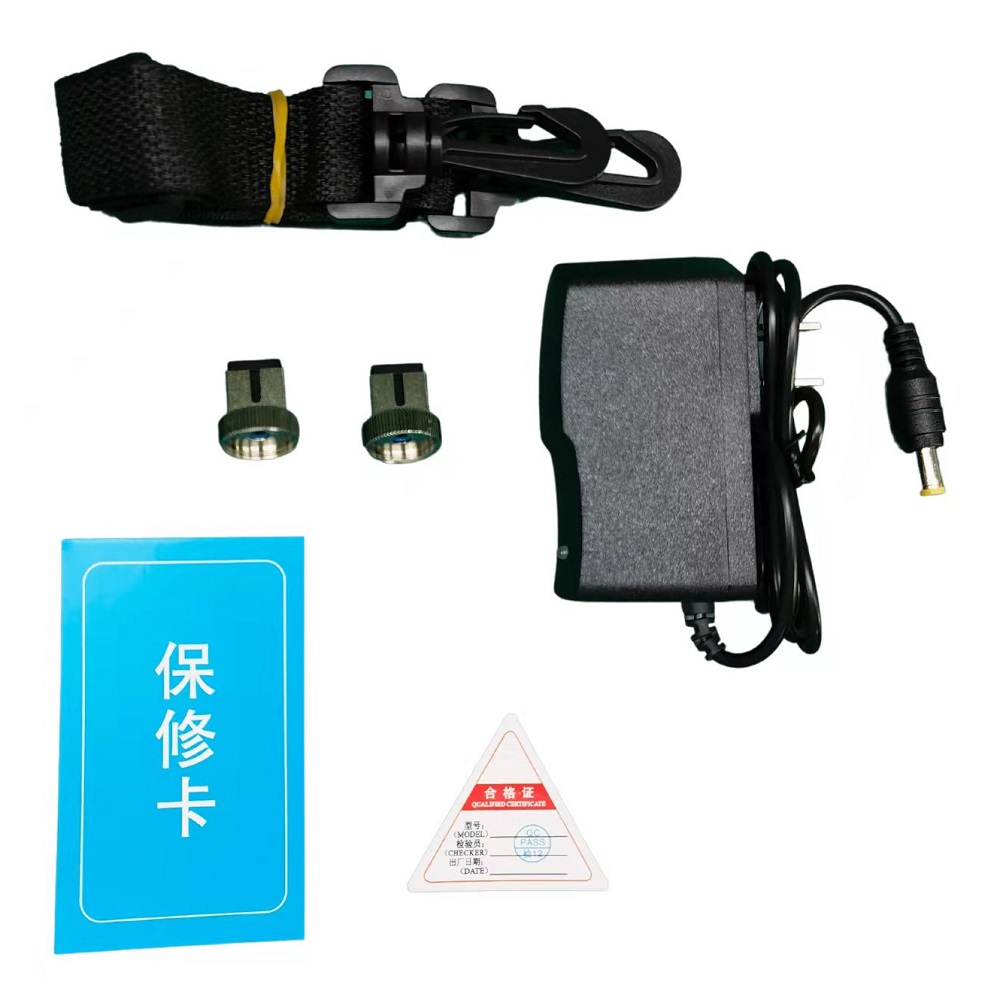
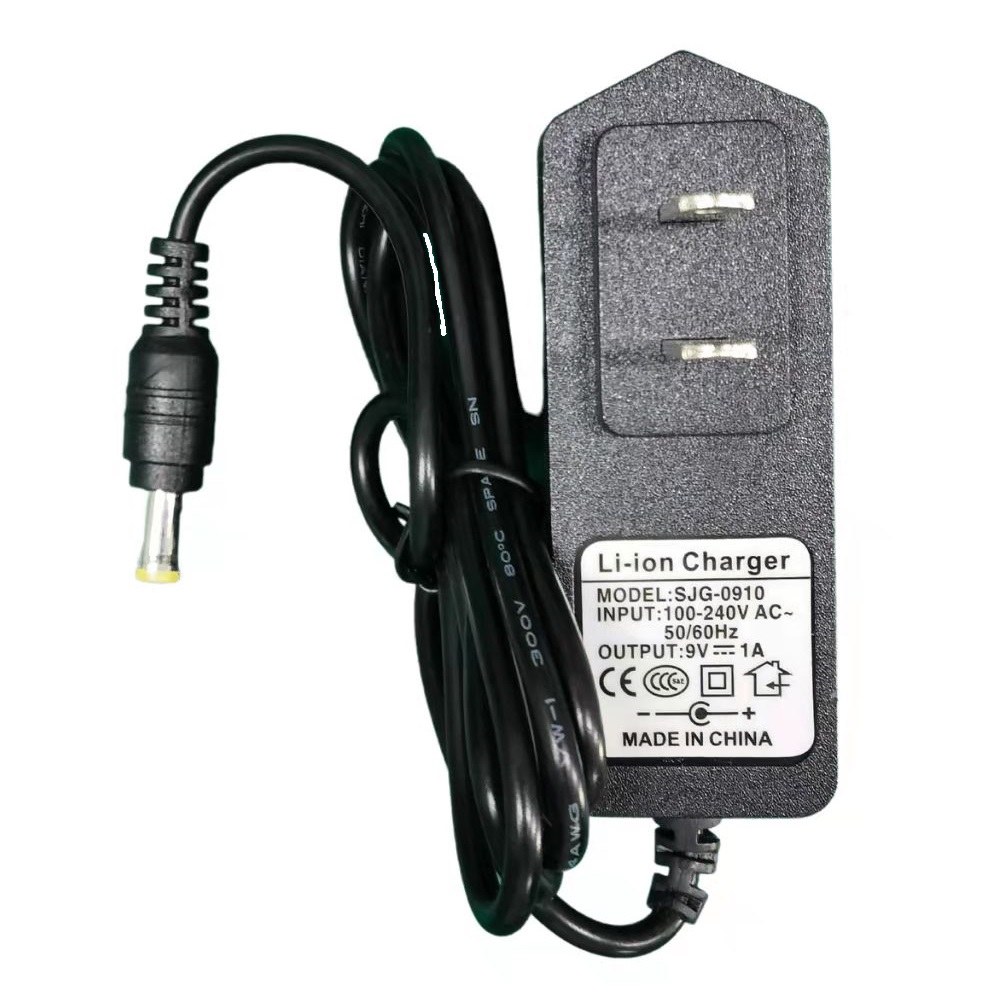
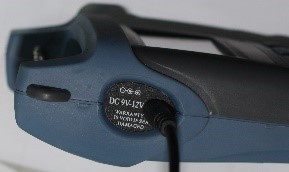
When working normally, the battery indicator sign is not displayed; When the battery is low, the power indicator will flash every second and will automatically shut down after ten flashes. At this time, it can be charged directly to the charger equipped with the instrument (as shown in the picture on the right), which can save the trouble of replacing the battery and related costs.
Instructions for use:
As shown in Figures 1 and 2, the IN side inputs the light, and the OUT outputs the light, and the desired optical attenuation value is set by using the UP and DOWN keys.
Standard configuration
| Configuration description |
| Dimmable attenuator host
Rechargeable lithium battery Product warranty card Oxford Soft Pack charger Data cable (option) Certificate |
- Always keep the sensor end face clean, so that it is grease-free and pollution-free, do not use unclean, non-standard adapter connectors, and do not insert the end face with poor polishing surface, otherwise it will damage the sensor end face and greatly reduce the performance of the whole system.
- Stick to one adapter as much as possible.
- Once the dimmable attenuator is not in use, cover it immediately with a dust cap to protect the end face from measurement errors caused by long-term exposure to dust in the air.
- Be careful to plug and unplug the optical adapter connector to avoid scratches on the port.
- Clean the sensor surface regularly. When cleaning the sensor surface, use a special cleaning swab to gently wipe in a circular direction.
Common faults
| Fault performance | Possible causes | Solution |
| LCD display is weak | Insufficient power supply | charge |
| There is no display on the power on | Insufficient power/other | Reboot/charge |
| LCD shows data that remains the same or changes slightly | The optical adapter connector is faulty or dirty
Voiced/display locked |
Detect the light adapter connector connection
whether it is correct or not; Clean the sensor End face |
quality assurance
We do not support users in repairing smart handheld dimmable attenuators themselves.
- The warranty period of the instrument is within eighteen months from the date of shipment. Our company will promise the materials and workmanship of all its products, and the warranty period is valid for eighteen months from the date of shipment. When the purchased product is found to have quality problems during this period, our company will repair or replace it accordingly. However, in no event will our liability exceed the purchase price of the product.
- If there is a problem with the instrument during use, the solution according to the common fault prompts still cannot be solved, and the user is not allowed to open the case without authorization, please contact our company’s marketing department or local agents.
- For quality failures caused by production defects, our company is responsible for free repair or replacement of products.
This warranty applies only to normal use of the instrument and without damage or improper use.
The warranty of the product does not cover problems/malfunctions caused by:
- Unauthorized repairs or modifications to the instrument
- Improper use, negligent use, accident, etc
With my products, there is a warranty registration card of our company. Please fill in and send it back to our company together with a copy of the invoice, so that we can have a record of the root cause when we need to maintain your instrument in the future, technological innovation, calibration, etc.
Optical Attenuator TH700 Test Report.pdf
Adjustable Optical Attenuator Instruction Manual (English Version)